Matched Transactions
With Matched transactions you can take any method call in the JVM and turn it into a transaction. The functionality for Matched transactions mirrors that of the Declared transactions which are specified directly in your code by using the jvmguard annotations.
Matched transactions are necessary if you cannot add annotations into your code or if the classes of interest are in an external library. Otherwise, Declared transactions are recommended for easier maintainability.
In the list of transaction definitions, the filter expression is shown as the name of each Matched transaction definition. If this is not descriptive enough, use the “Custom description” check box in the transaction configuration to enter a meaningful name.
jvmguard walks the list of transaction definitions and applies the naming and policies of the first matching entry. Keep in mind that the matching takes the first match, so more generic filters should be lower in the list of transaction definitions.
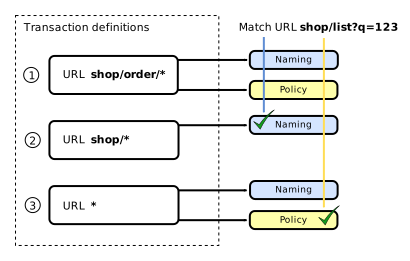
This allows you to define a series of transaction definitions that all have different naming schemes while keeping common policy definitions for a group of definitions.
Classes or methods
Section titled “Classes or methods”Similar to Mapped transactions, the first question is whether you want to choose a single method or all public methods from a particular class.
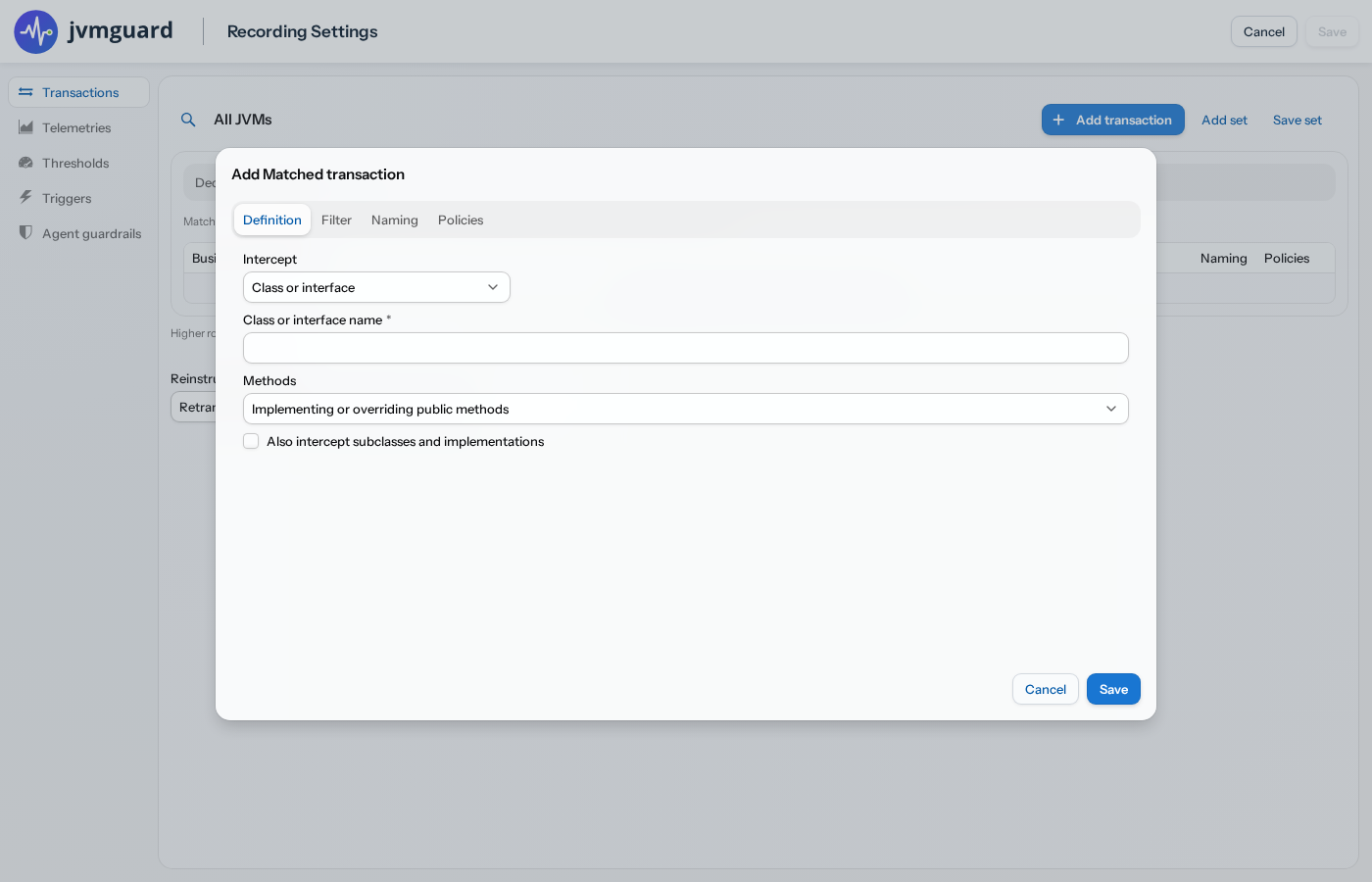
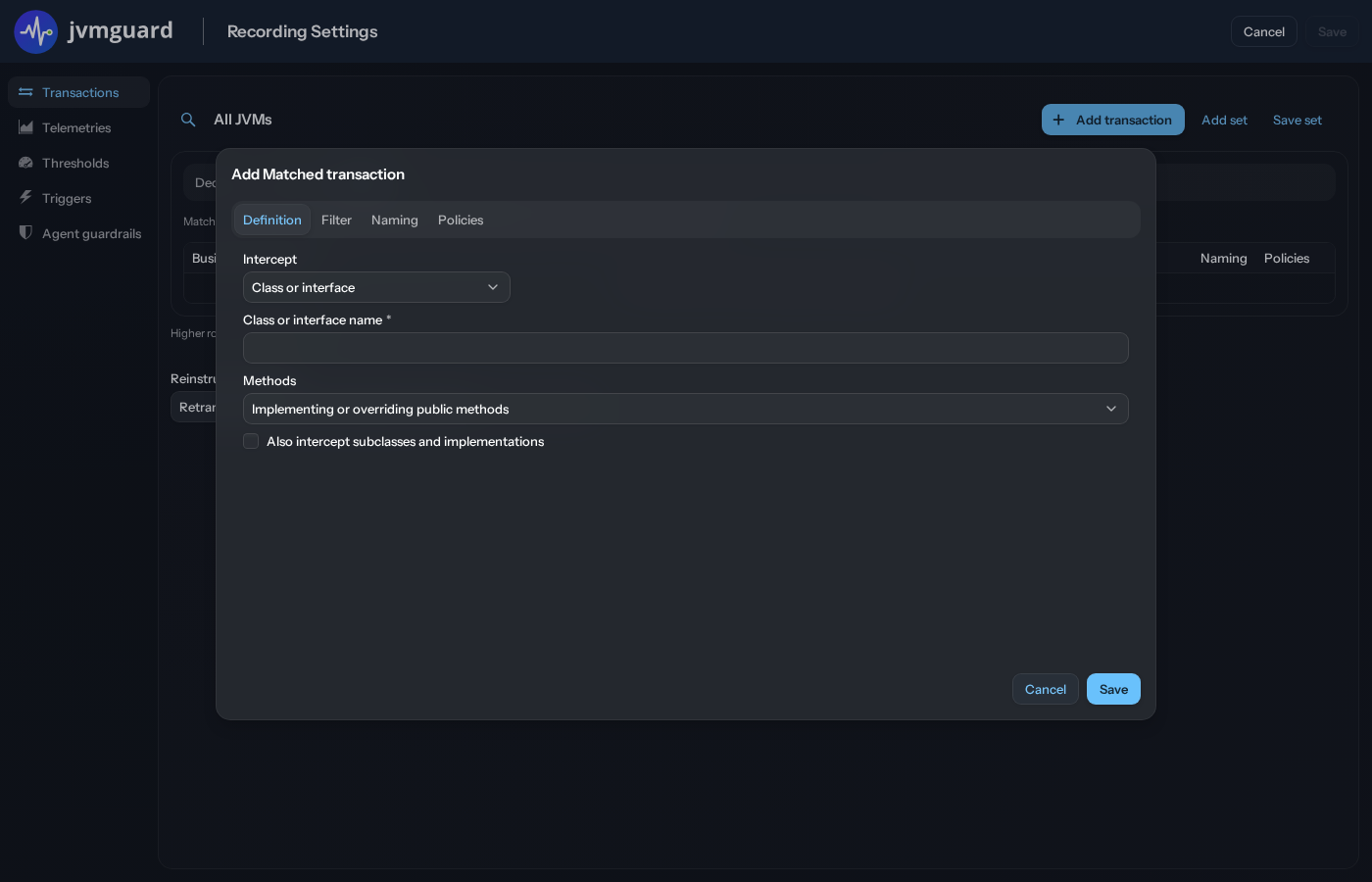
Matched transactions have the same configuration options regarding inheritance as Mapped transactions. You can switch on transactions from derived classes with the “intercept subclasses” check box.
For a single method transaction, this means that overridden methods will create transactions as well. If such a method makes a super call, that super call will create a separate transaction. If the names of both transactions are equal, the super call will not be recorded separately. However, with an “Instance class name” naming element, it is easy to create two different names. In that case, you will see the super method as a nested transaction. If this is not what you want, you can set the “no nested transaction” option on the “Naming” step of the wizard to the value “That match this entry”.
The method of interest is conveniently chosen with the method chooser. It can show you classes from all connected VMs or from JAR or WAR files that can be uploaded on the fly. You can also edit the method manually in which case you have to take care to enter the method signature in bytecode format.
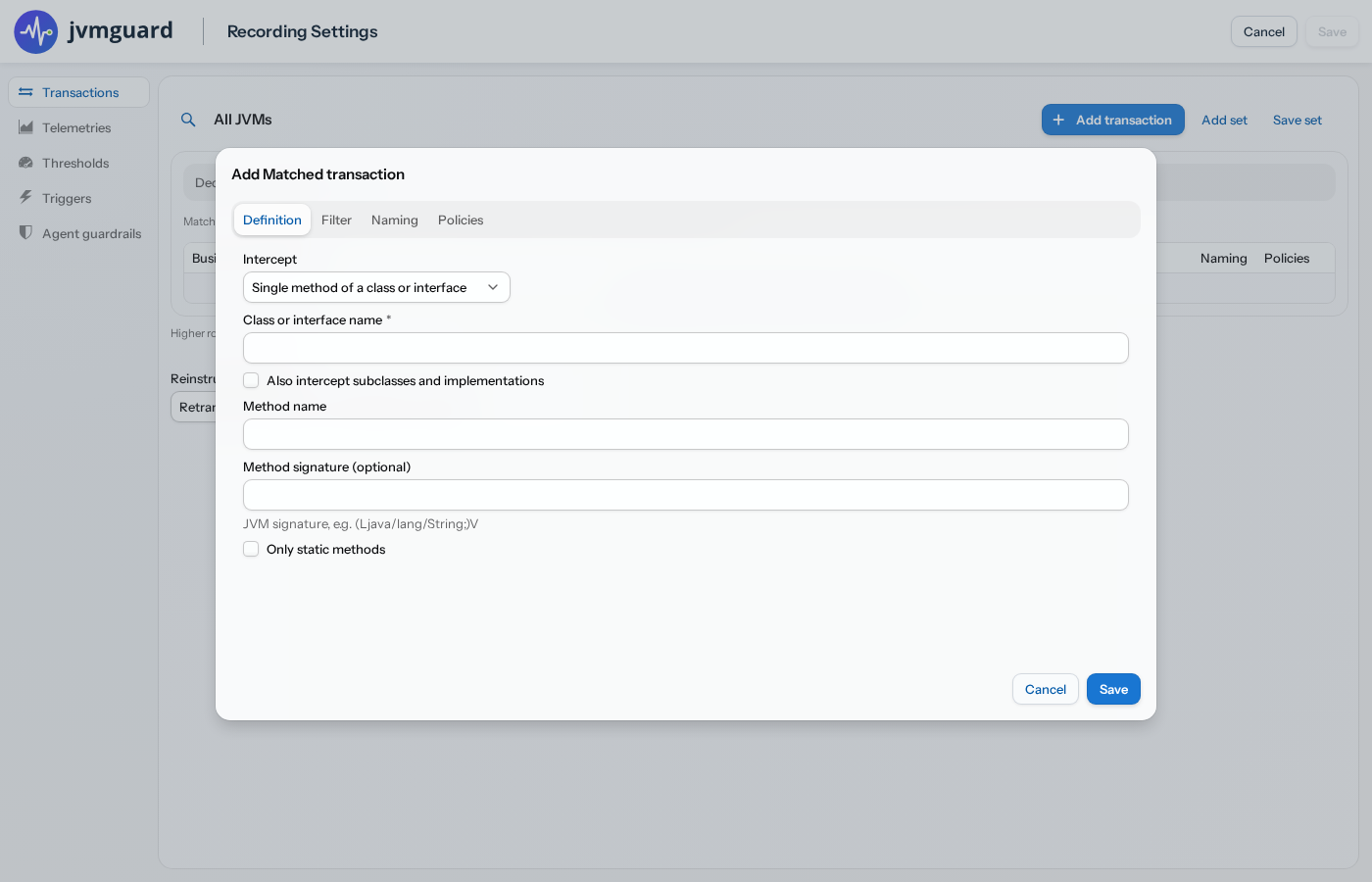
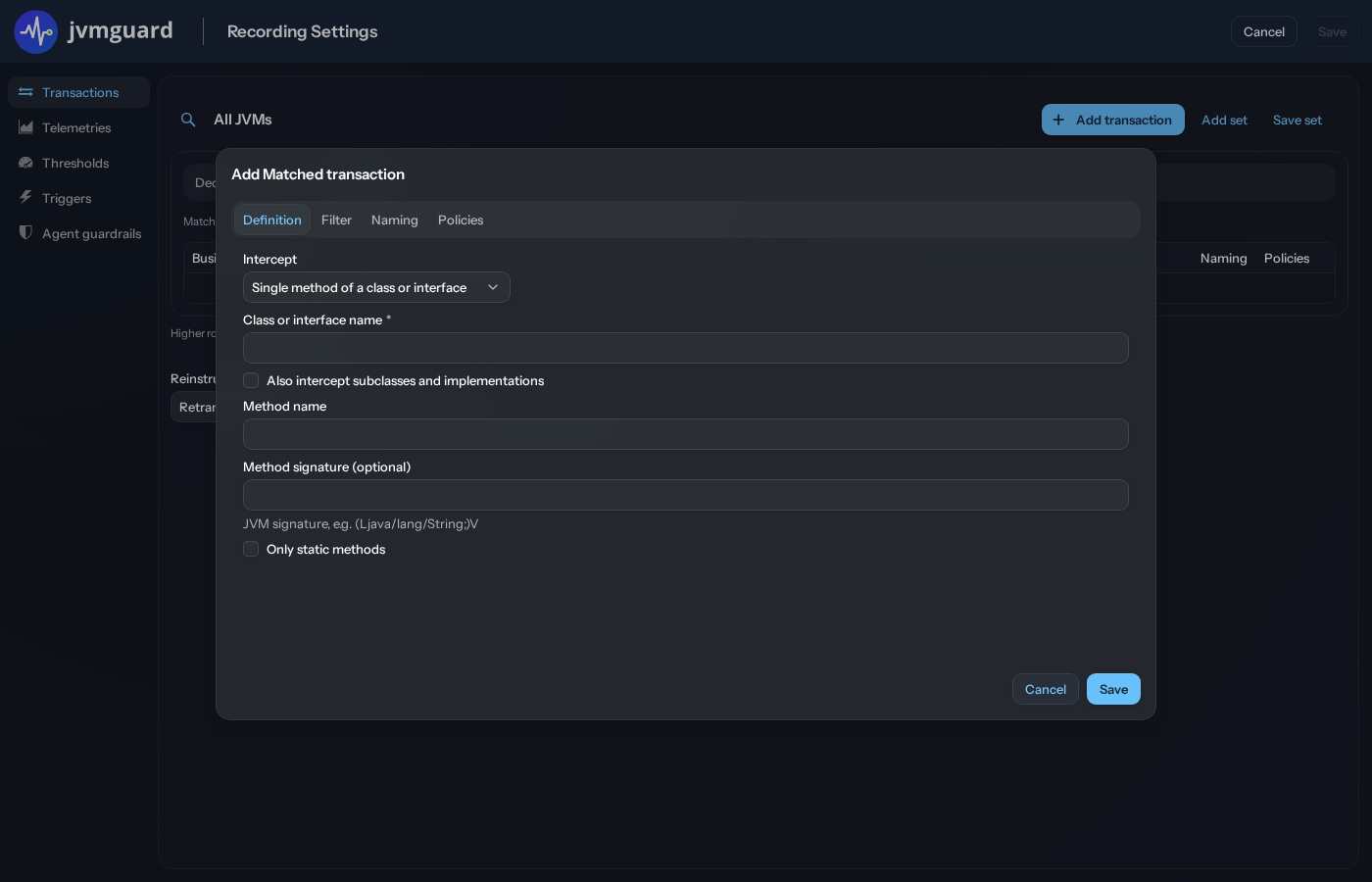
For classes, all public methods of the selected class will create transactions. When the inheritance option is turned on, you can choose between two different strategies for method selection in the derived classes.
- Implementing methods only: This makes sense if you have selected an interface that defines all operations of interest with its methods. Additional public methods in implementing classes will be ignored.
- All public methods: The selected class may be a base class or a marker interface, and the methods of interest are in the derived classes. In this case, all public methods in derived classes will create transactions.
As an additional way to collect transaction methods you can select static methods. If the inheritance option is selected and all public methods are used, this will collect public static methods in derived classes as well.
Naming
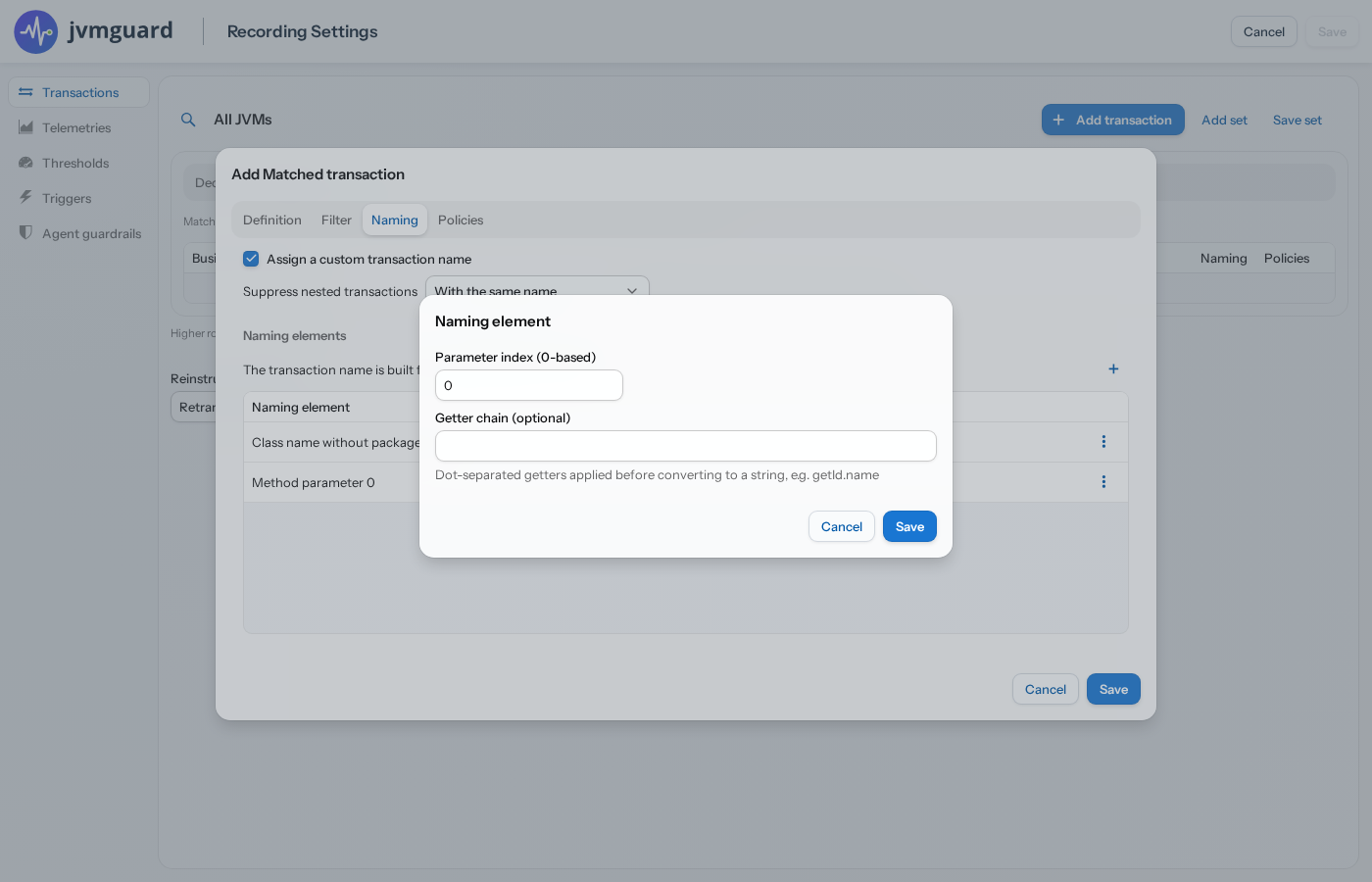
Section titled “Naming”In addition to the naming elements that are available for Mapped transactions, Matched method transactions have a “method parameter” naming element. Method parameter interception only makes sense if a particular method is selected, so it is not available for Matched class transactions.
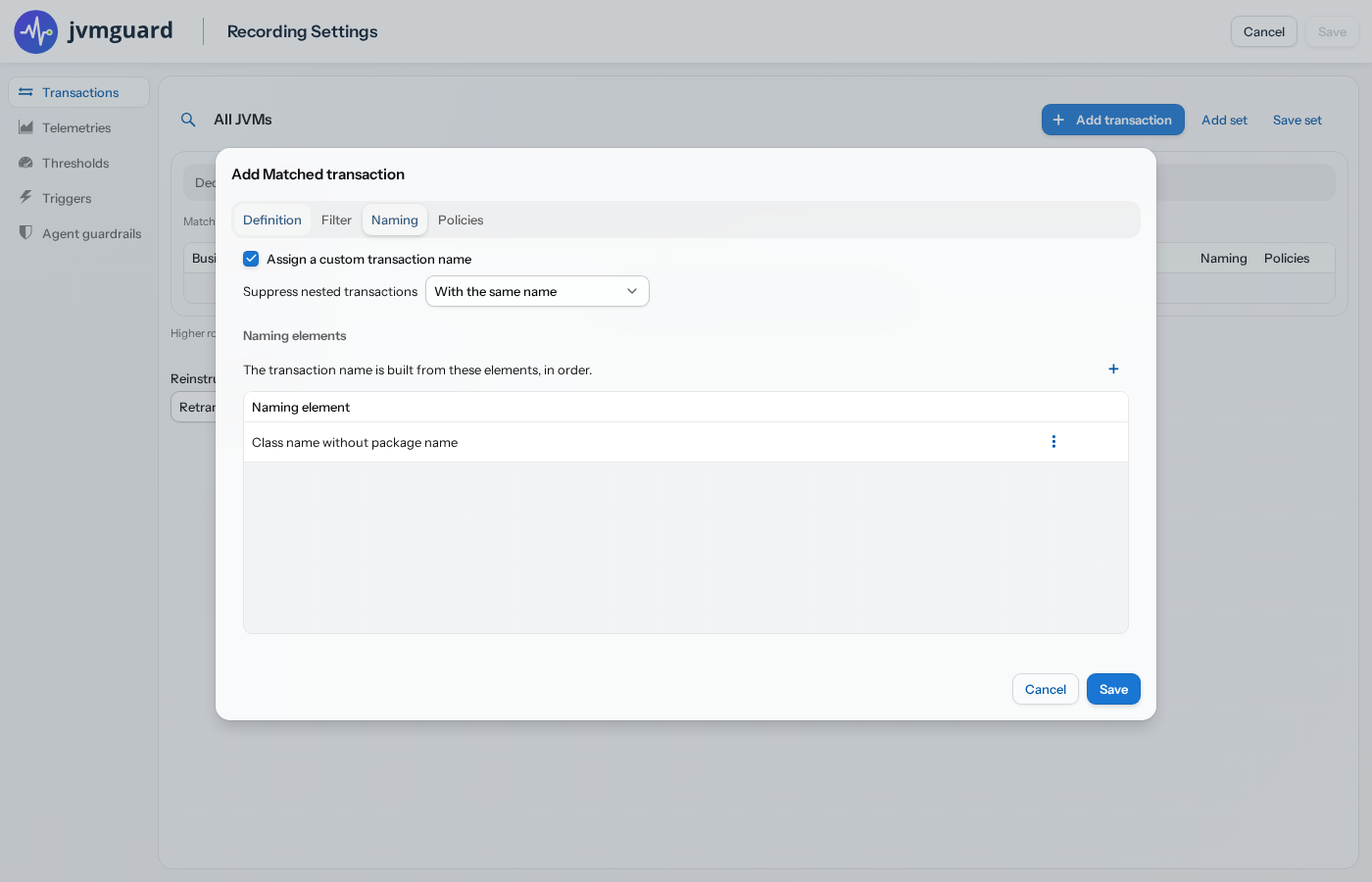
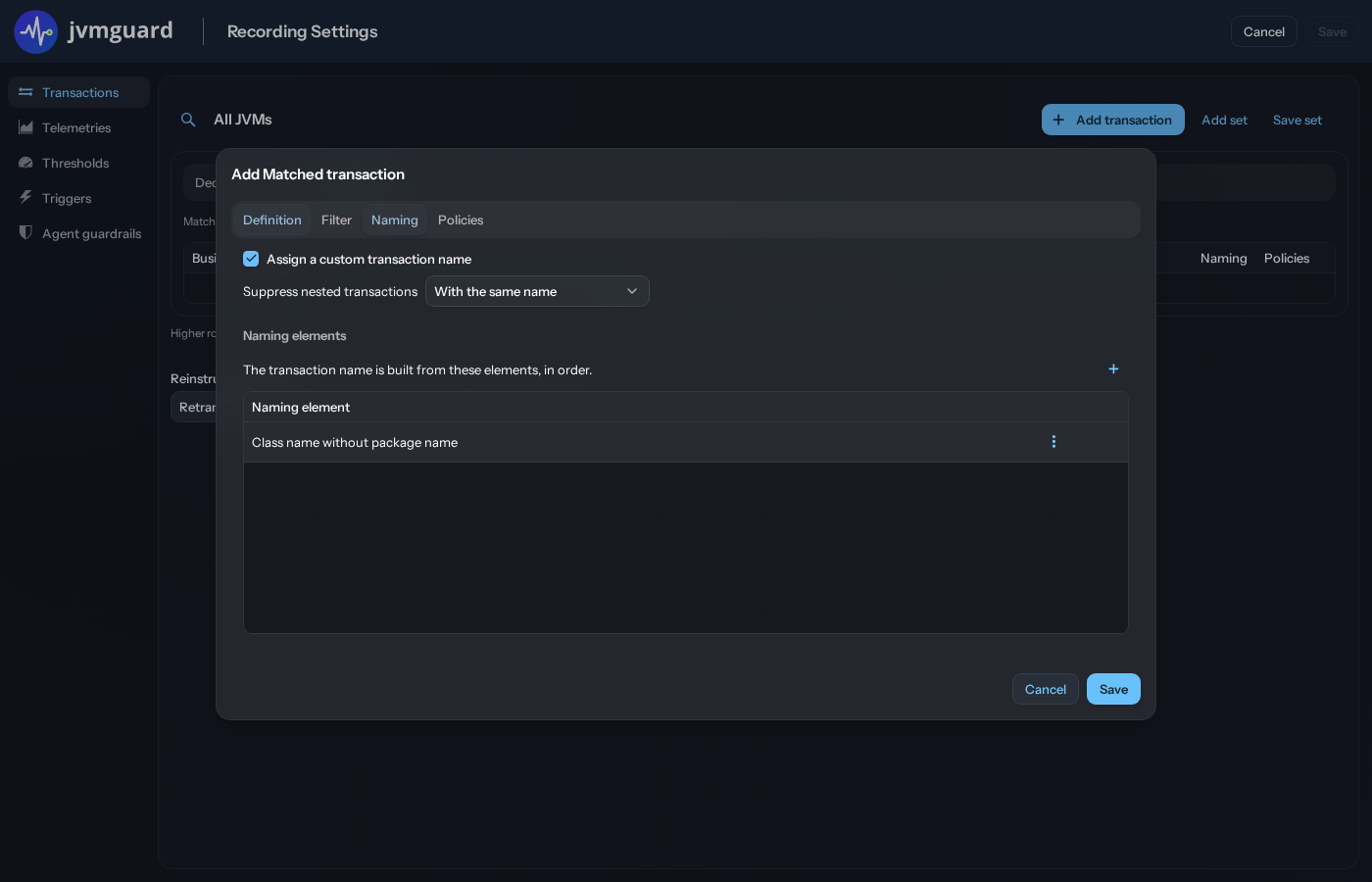
You can select a parameter by its zero-based index. In addition, a getter chain can be applied to the parameter just like for the “Instance name” element that is described for Mapped transactions.