Transactions
Configuration
Section titled “Configuration”Transactions are configured in the recording settings. When you edit a VM group or a VM pool, the first displayed step in the wizard shows the transaction settings.
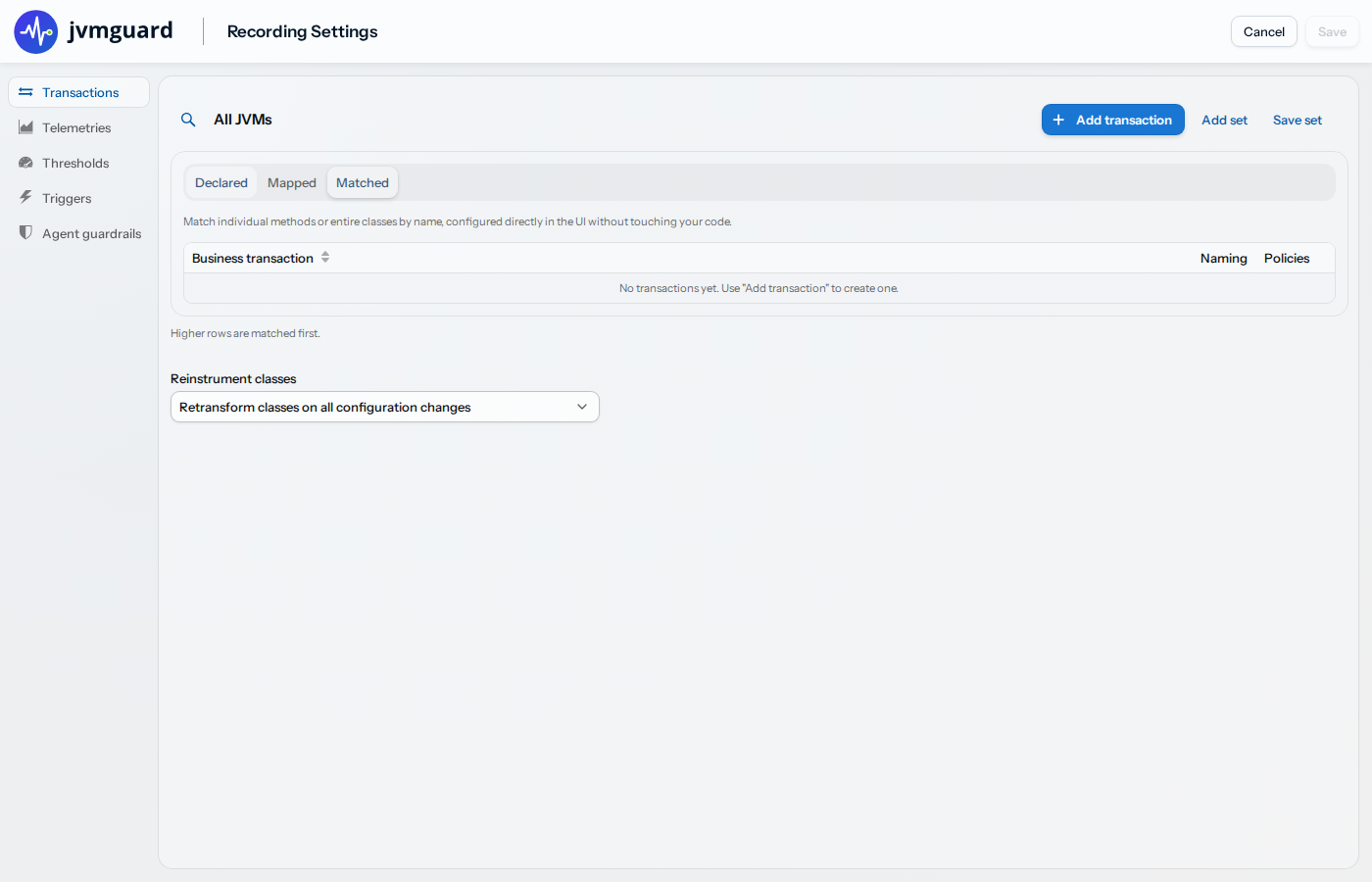
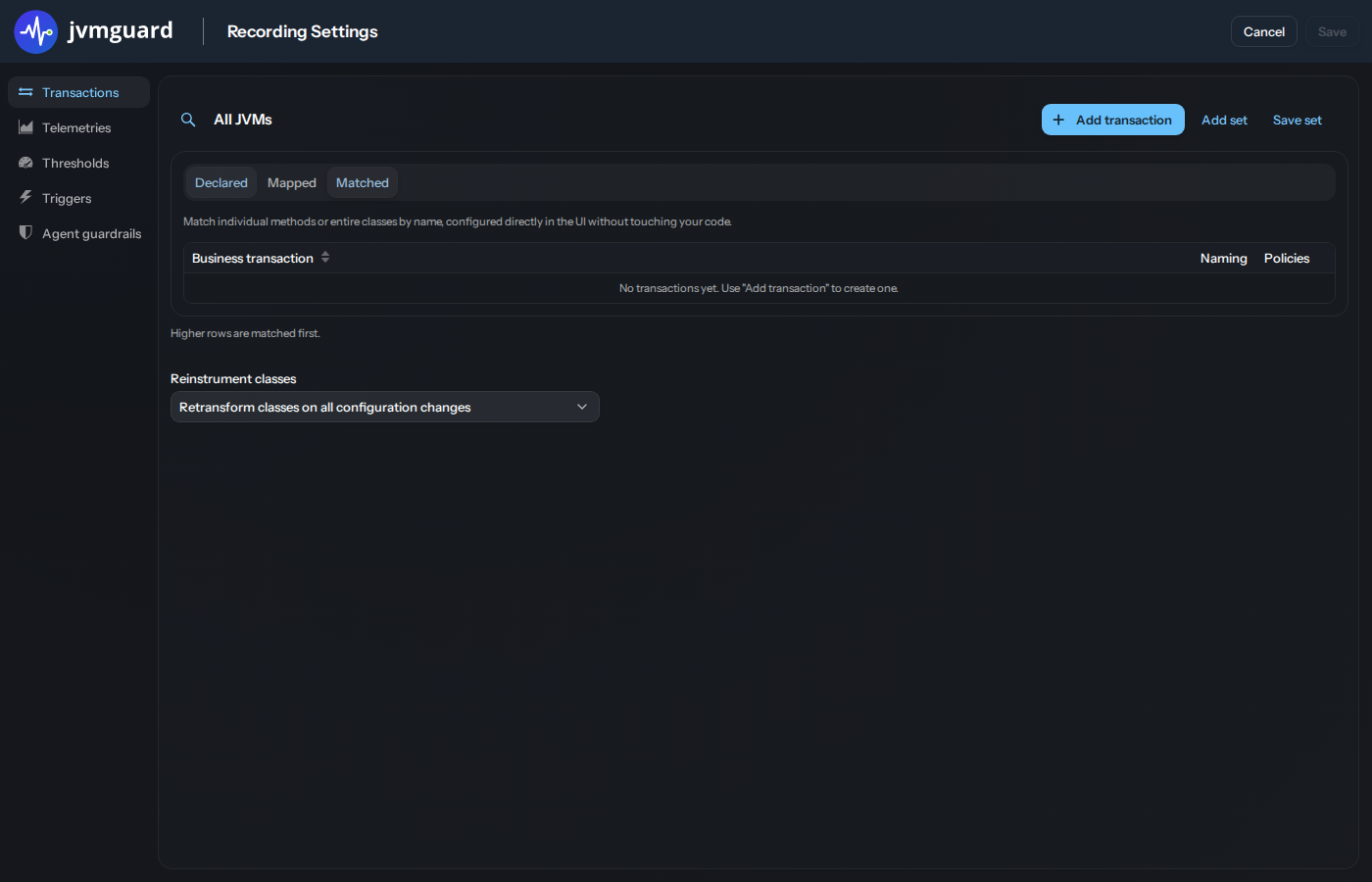
If no transactions are defined for a nested VM group, VMs get their configuration from the nearest ancestor group where transactions are defined. The “All VMs” configuration always has associated transaction definitions and is always a successful last stop for this search in the hierarchy.
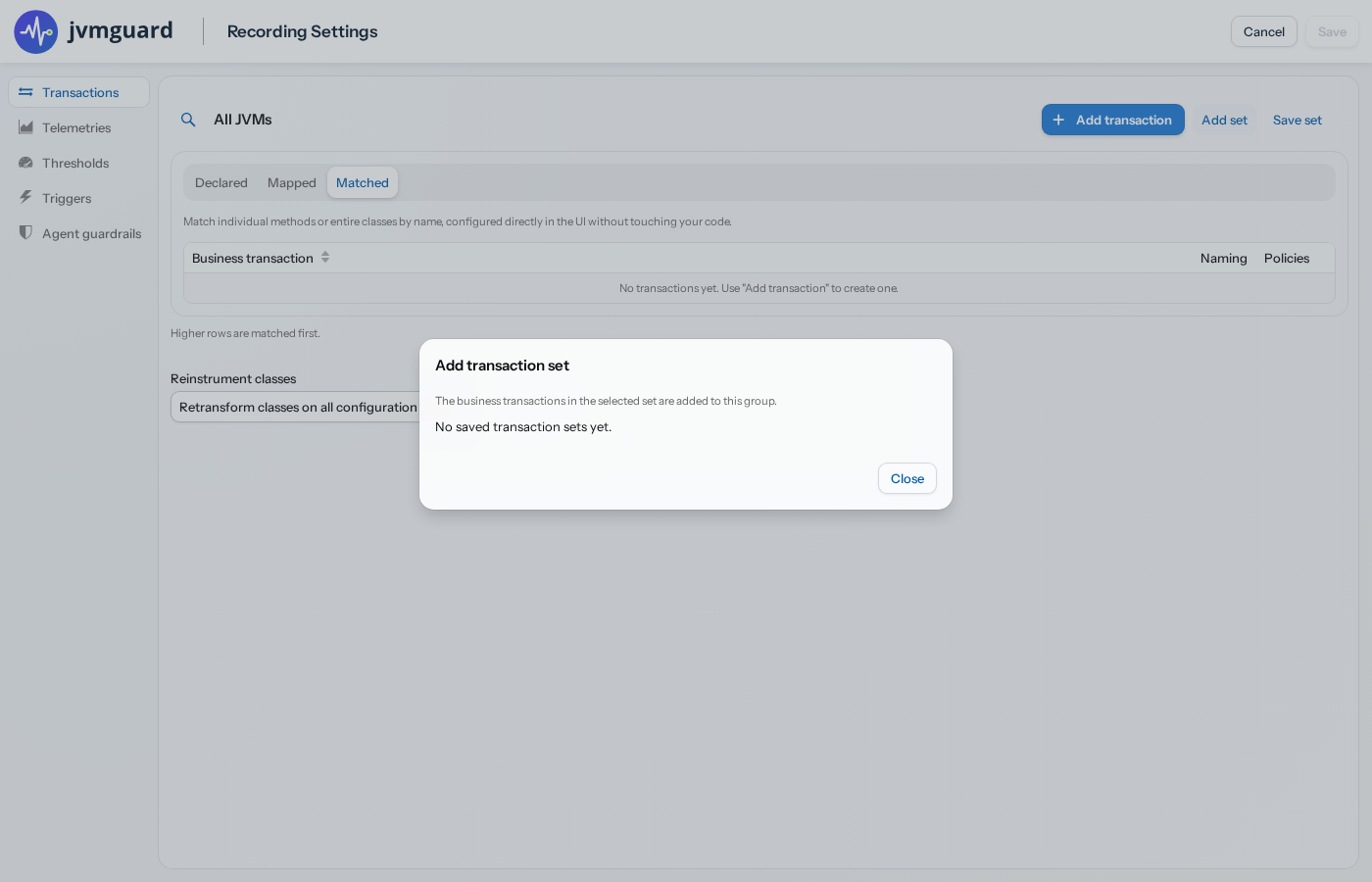
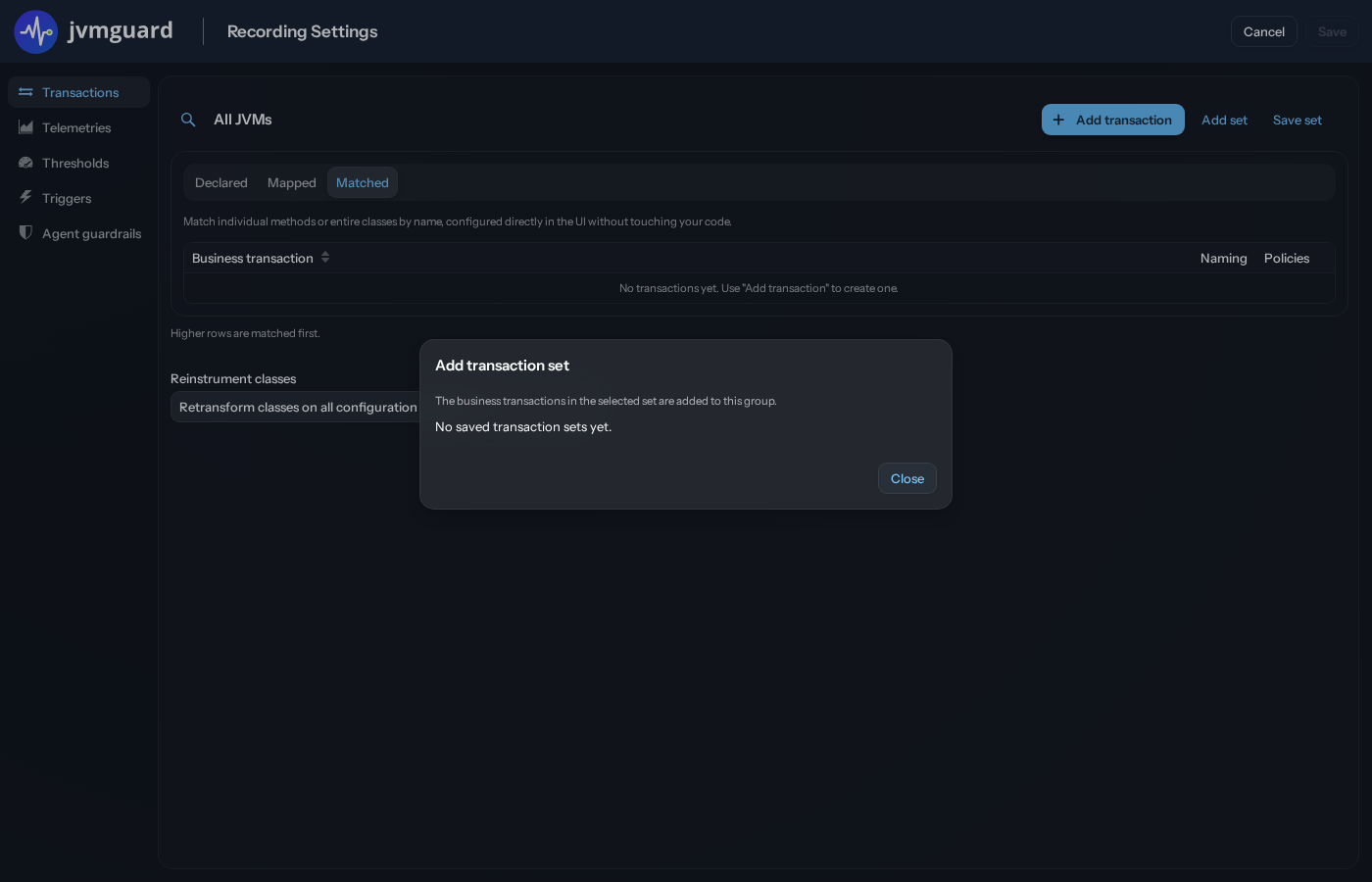
When a nested group overrides transaction settings, it overrides all of them and there is no merging with the settings of a parent group. If you want to reuse selected definitions from a parent group, save them to a set with the “Save set” button and include them in the configuration of the nested group with the “Add set” button.
The way you select methods for a transaction depends on the transaction type, see below. Regardless of the type, each transaction definition has an optional naming scheme and optional policies. When a method invocation is intercepted, jvmguard walks the list of transaction definitions and applies the naming and policies of the first matching entry. If a matching entry has the “Discard” flag set, the invocation is excluded and no further matching takes place.
The name of a transaction is composed of a chain of naming elements. The list of available naming elements depends on the transaction type and is described in the advanced topics for each type.
Transaction types
Section titled “Transaction types”Usually, a small set of methods maps to the operations that are important to measure, either in your own code or in a library you cannot modify. jvmguard offers three transaction types for these cases. Beyond the basics, the configuration has elaborate aspects, so each of them has its own chapter in the advanced topics.
Declared transactions are defined in your code with annotations supplied by jvmguard. While the naming is completely specified with those annotations, their policies must be configured in the jvmguard UI. This is the most maintainable way to define complex transactions. See the advanced topic about Declared transactions on how to add them to your project.
For a Mapped invocation transaction, you specify a particular annotation class name. In the further configuration you can decide whether the annotation should apply to classes or methods and how inherited classes should be handled. This is useful when a framework already uses annotations to designate entry points.
If you cannot modify the code that should be monitored, Matched transactions allow you to specify all the same interceptions as Declared transactions directly in the jvmguard UI. See the detailed explanation of Matched transactions for more information.
Nested transactions
Section titled “Nested transactions”An important consideration when defining transactions is what kind of nested transactions should be allowed. jvmguard does not record a directly nested transaction that has the same name. More restrictive options are to prevent nested transactions
- that match this entry: No nested transactions will be created if the nested transaction originates from this transaction definition.
- with the same group name: If you select this option, you have to configure a group name for this transaction definition. This is useful when several transaction definitions are different entry points for the same operation and call into each other.
- of the same transaction type: This option is suitable if you only want to see entry points and not the internal structure, because it prevents a tree of nested transactions of the same type.
- all further entries: Use this option to prevent any kind of nested transaction if a transaction is created from the current transaction definition.
The reentry inhibition only applies to the transactions that would be directly nested. If a nested transaction is allowed, its own reentry inhibition setting will be used for the next nesting level.
Call tree and hot spots
Section titled “Call tree and hot spots”jvmguard builds a call tree from all recorded transactions. A call tree is a cumulated data structure that captures all the different sequences in which transactions are nested. If transaction C is called within transaction A and also within transaction B, it will occur twice in the call tree, once as a child of A and once as a child of B. Each of these sequences can occur many times, increasing the invocation counts along the corresponding paths in the call tree.
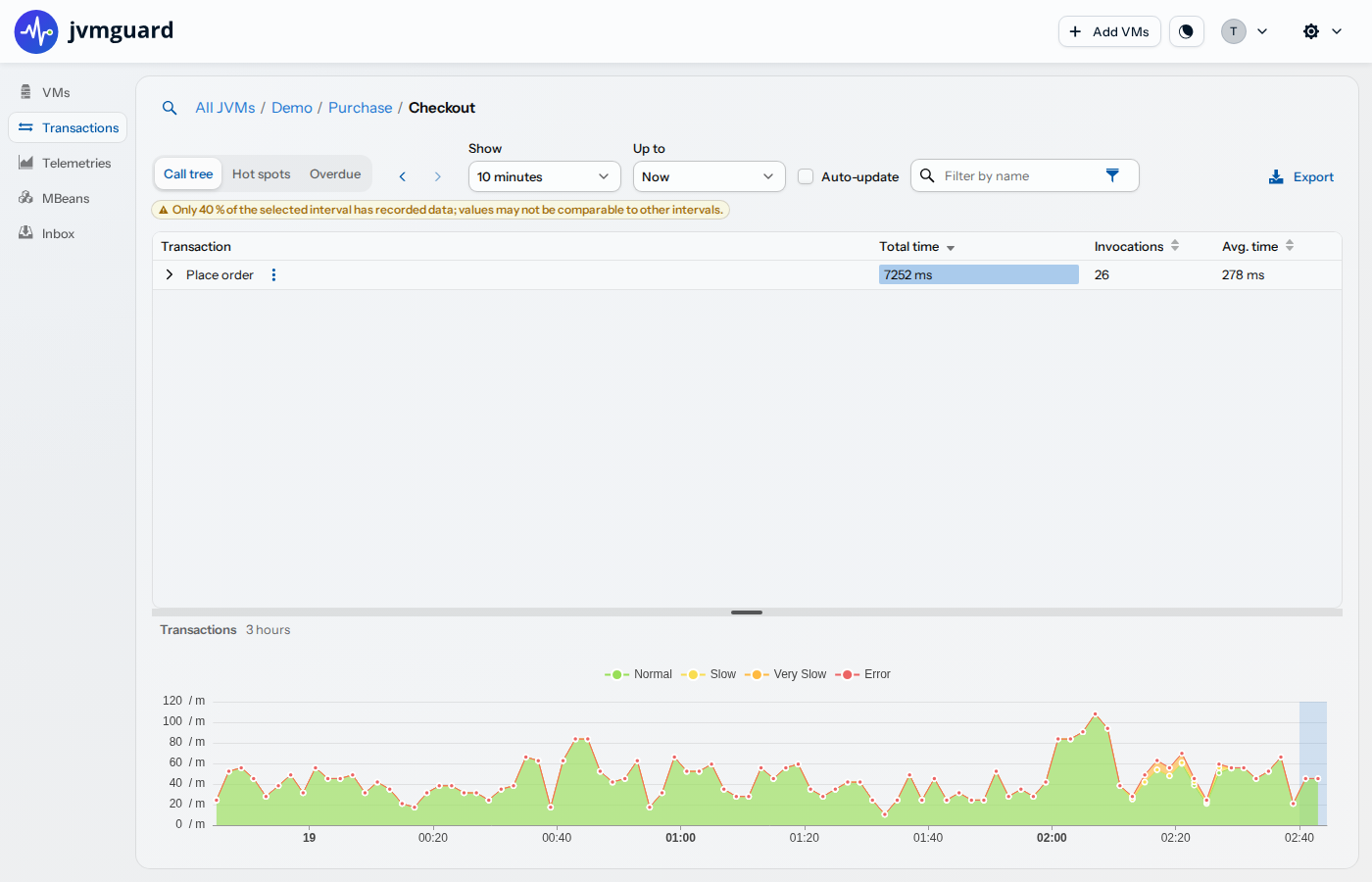
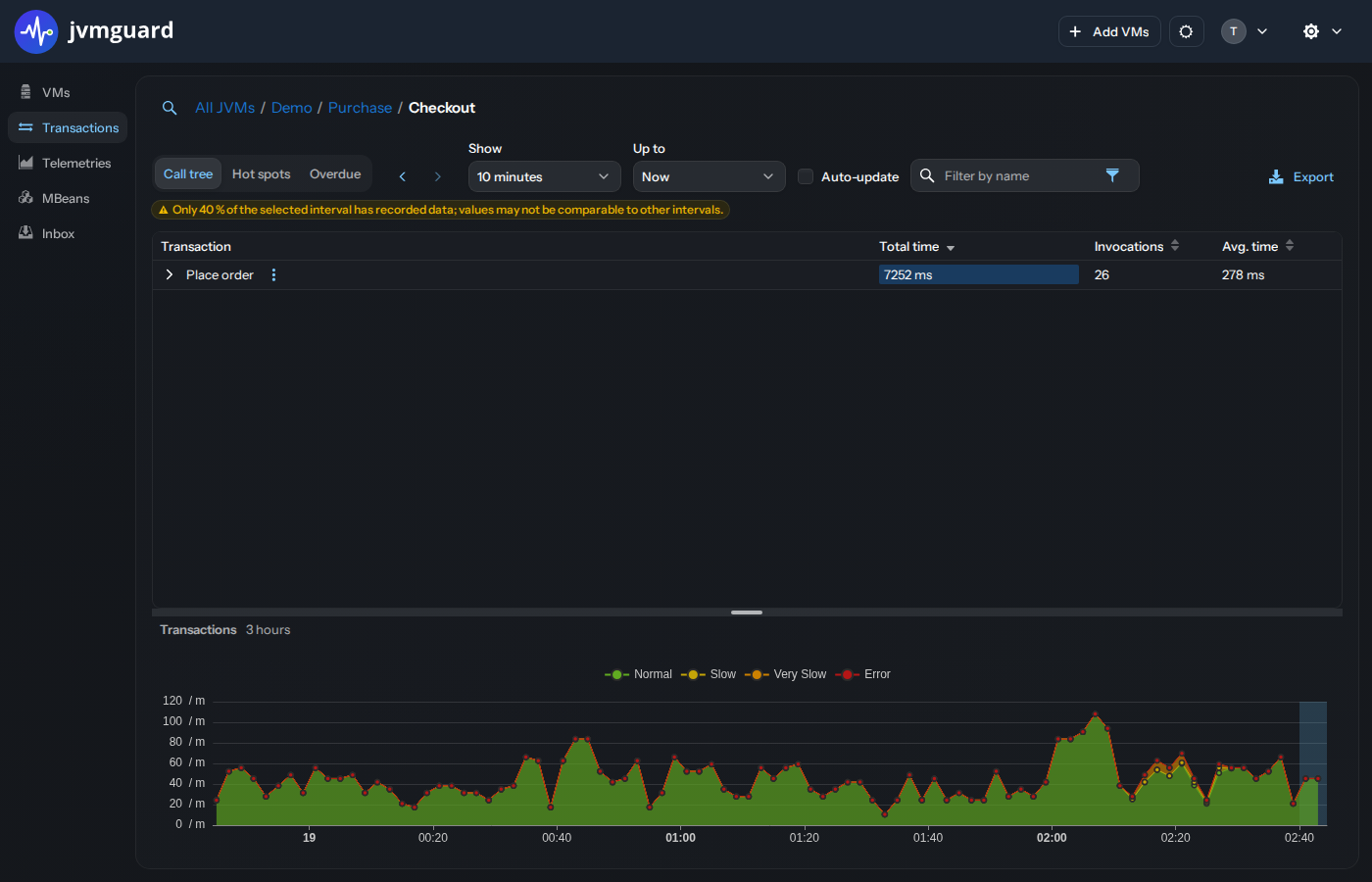
The numbers for each transaction - total time, invocation count and average time are displayed for the selected period. If the period is not fully measured, jvmguard will tell you the covered percentage at the top of the view. For example, when starting up the jvmguard server, the current hourly interval will not be fully measured until a full hour has passed. Similarly, if you stop the jvmguard server for some time, this will leave holes in the history with incomplete intervals at both sides.
Hot spots are the inversion of the call tree, where all occurrences of each transaction are summed and shown with their backtraces. The invocation counts and execution times in backtraces do not refer to the transactions, but rather to the number of times the hot spot was called along this path.
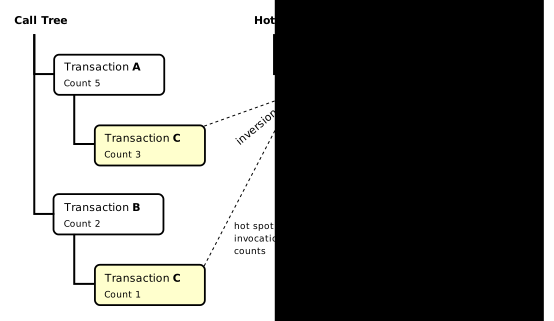
To emphasize the point about backtraces, all hot spots that are not single top-level nodes, have a child node called “Cumulated backtraces”. Searching for transactions is done with the filter bar at the top of the view.
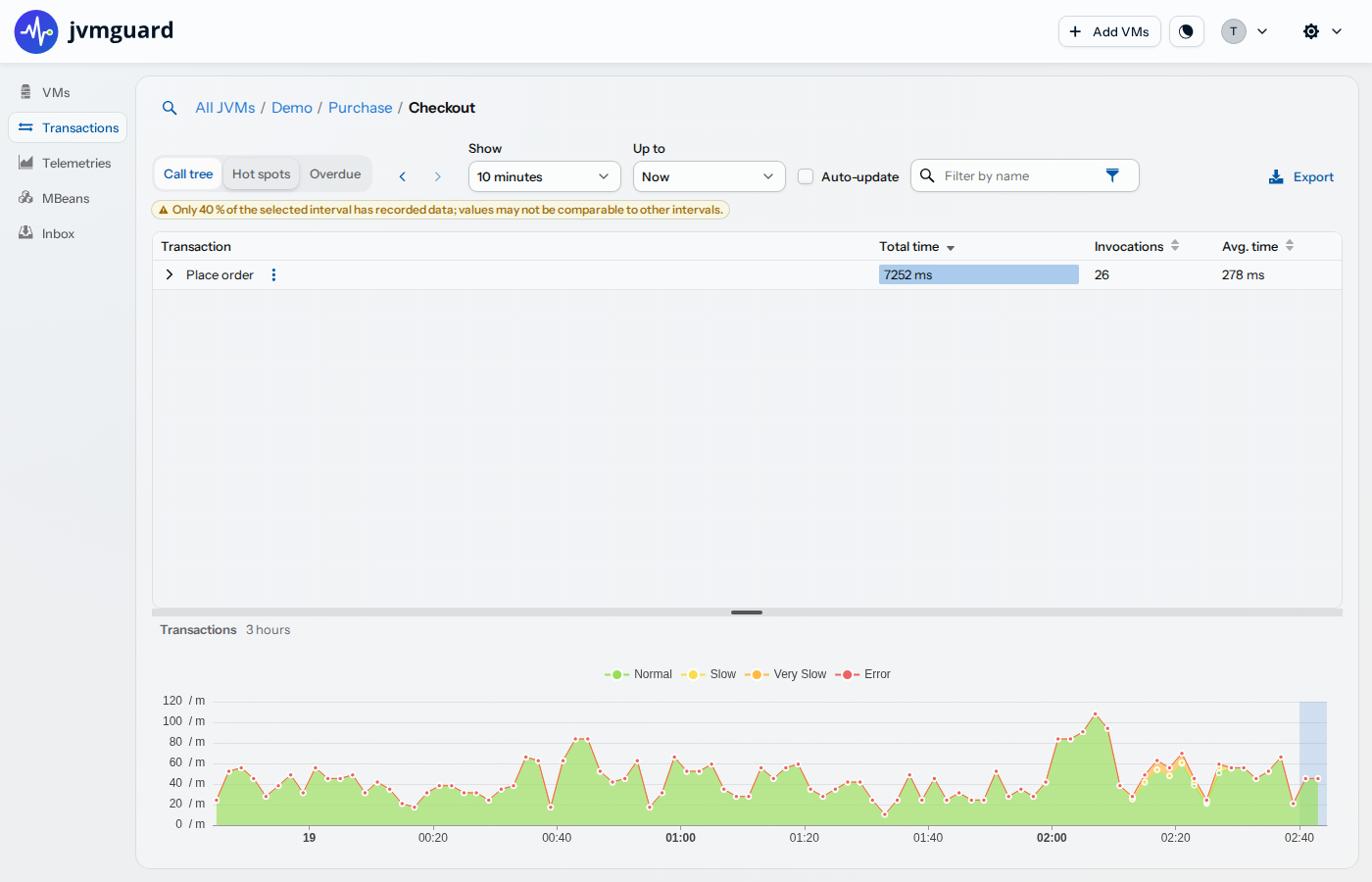
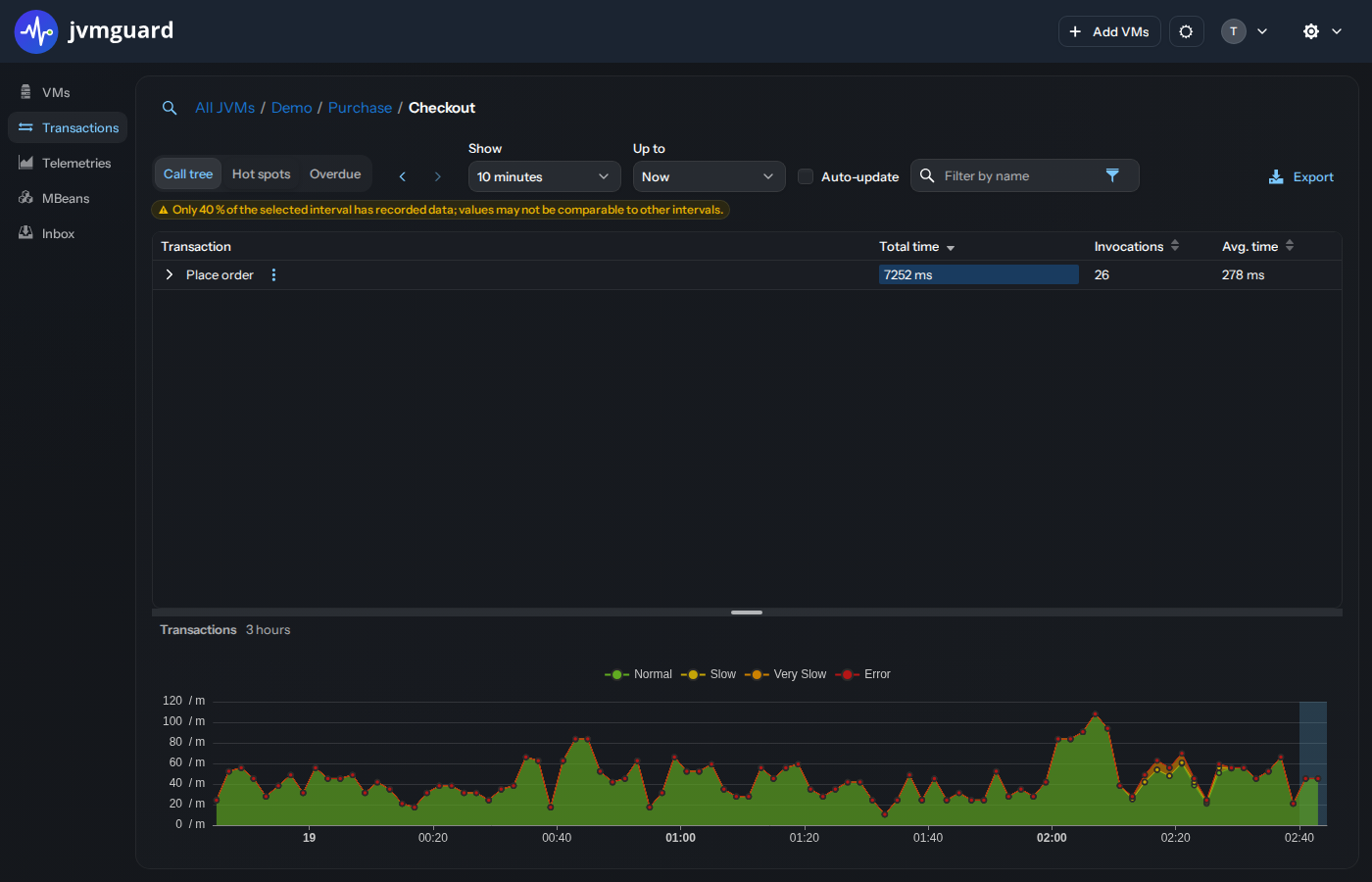
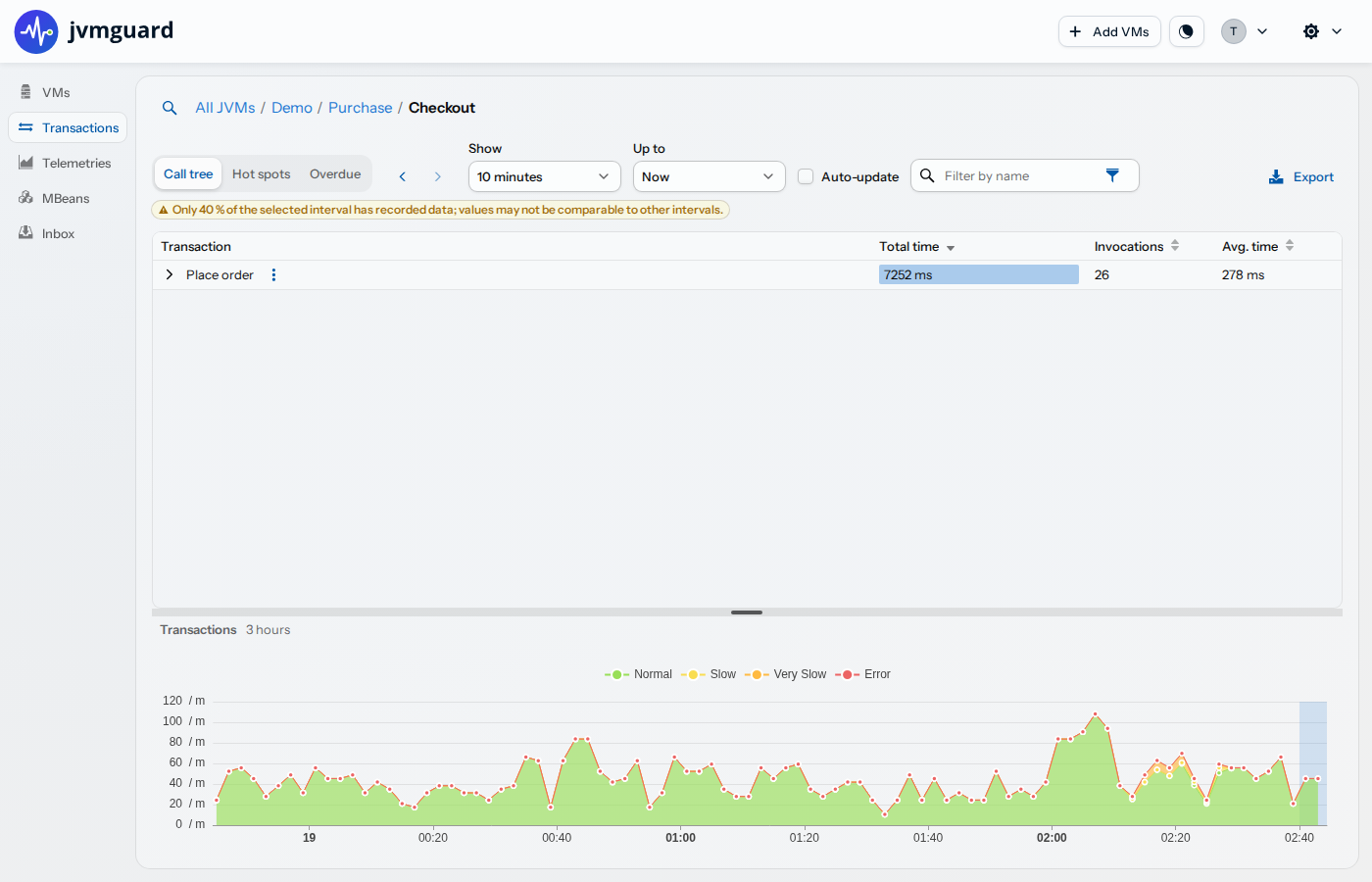
In order to give you a chronological context for the selected interval in the call tree and hot spots views, a
transaction timeline is shown at the bottom where the current interval is highlighted. You can also use this timeline to
select another interval by clicking on a data point. When you display a timeline for a single selected transaction, the
total transaction timeline is replaced and can be restored by clicking on the close button [x] in the top-right
corner of the telemetry.
Too many transaction names
Section titled “Too many transaction names”If your transaction definitions generate too many distinct transaction names, for example because the naming scheme includes a value that is different for every invocation, jvmguard caps the maximum number of transaction names and sends you an inbox message with instructions on how to fix this condition.