Policies
Configuration
Section titled “Configuration”Policies detect anomalous conditions with respect to transactions. Each transaction definition has associated policy definitions.
Policies create the following anomalous transaction states:
- Slow: The threshold after which a transaction is classified as slow can be specified as an absolute time or as a relative percentage value with respect to the average duration of transactions that are generated by this transaction definition.
- Very slow: Another time-based threshold like “Slow”, only for a more severe category. You can partition “Slow” and “Very slow” so that “Slow” transactions can occur without notifications and “Very slow” transactions trigger notifications.
- Overdue: After a third time-based threshold which is usually an absolute time and much larger than the “Very slow” threshold, you can view a transaction as deadlocked or hanging.
- Error: Transactions that result in an error require special attention. There are two sources of errors:
- Exceptions: Exceptions derived from
java.lang.Error(errors),java.lang.RuntimeException(runtime exceptions) andjava.lang.Exception(checked exceptions) can be activated separately. Checked exceptions are usually handled by the application and do not necessarily result in a transaction error. - Logged errors: If your application logs an error with a logging framework, jvmguard can mark the transaction
with an error.
java.util.logging, log4j, JBoss logging and Logback are supported by jvmguard. Optionally, you can also configure that warnings result in a transaction error.
- Exceptions: Exceptions derived from
If policies are not defined for a transaction definition, jvmguard continues in the list of transaction definitions until it finds a matching entry where policy definitions are enabled. This allows you to define the same policies for multiple transaction definitions, in the most extreme case with a “catch-all” entry that has no naming definition, but only policy definitions.
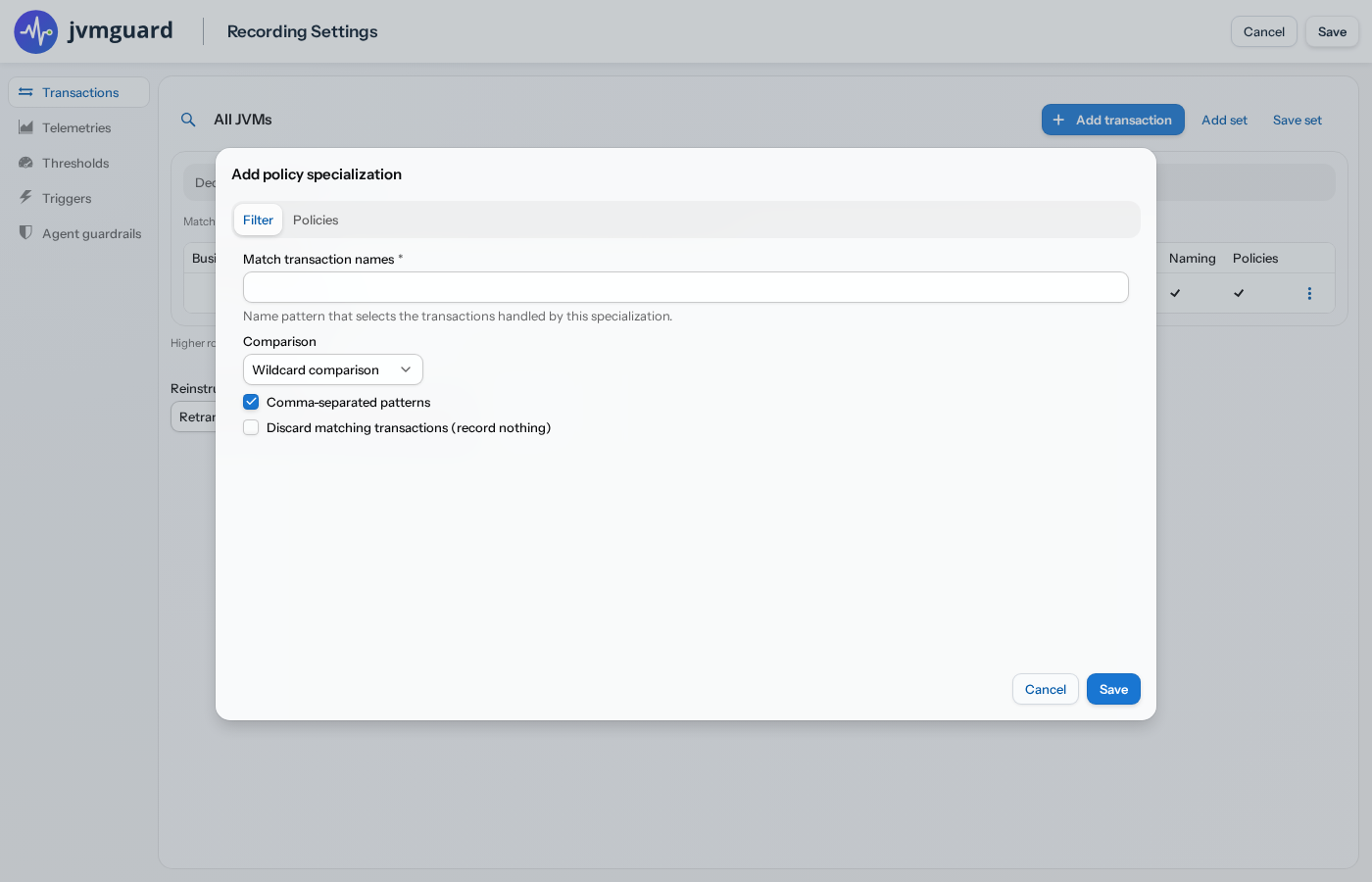
Sometimes, you want to go the other way and define more granular policies for certain transactions within a single transaction definition. For example, you might have a single transaction definition that captures a broad set of invocations. If the acceptable durations depend on the transaction name, you can define policy specializations to avoid having to re-add the transaction definition and its naming scheme multiple times.
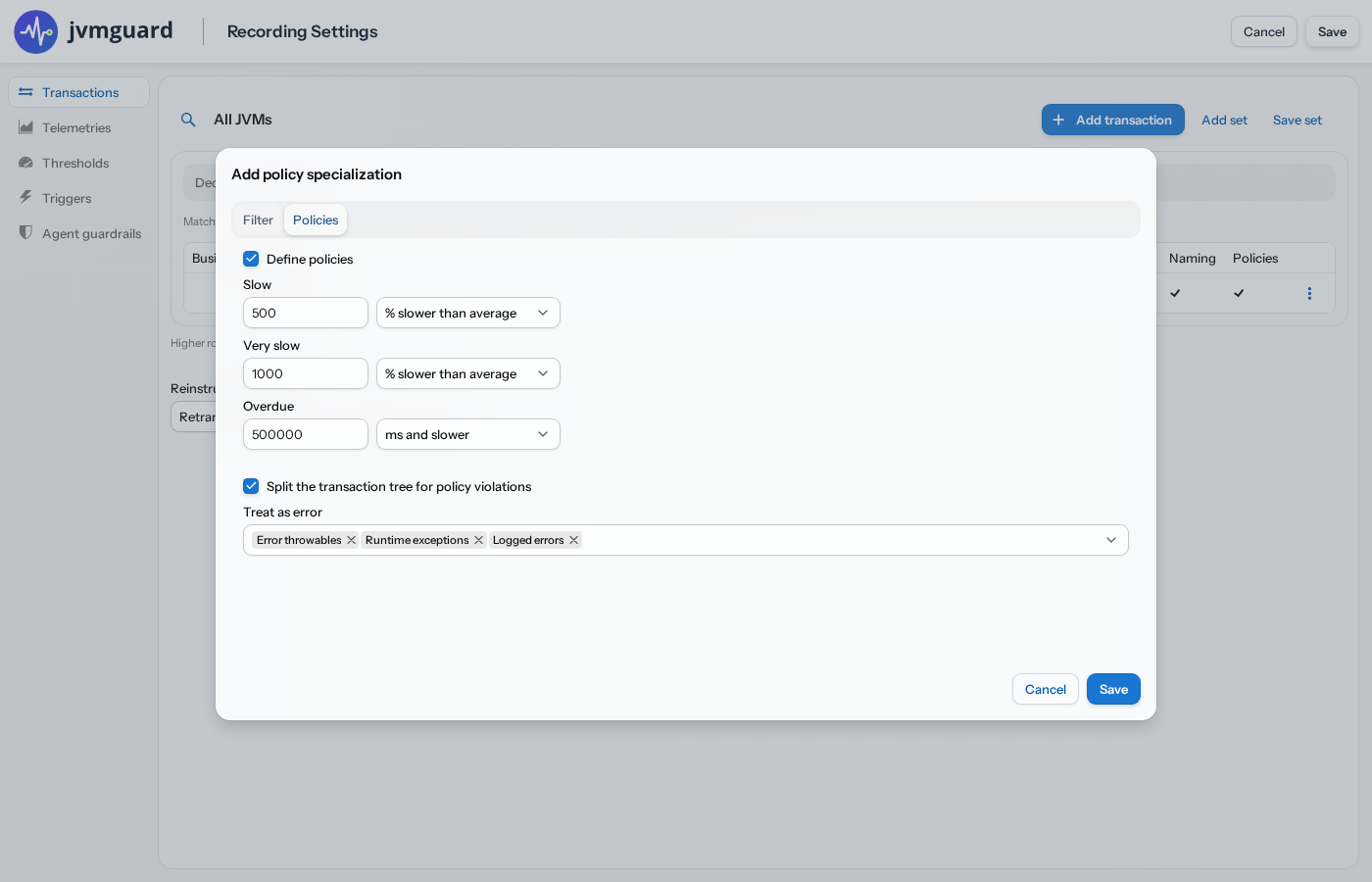
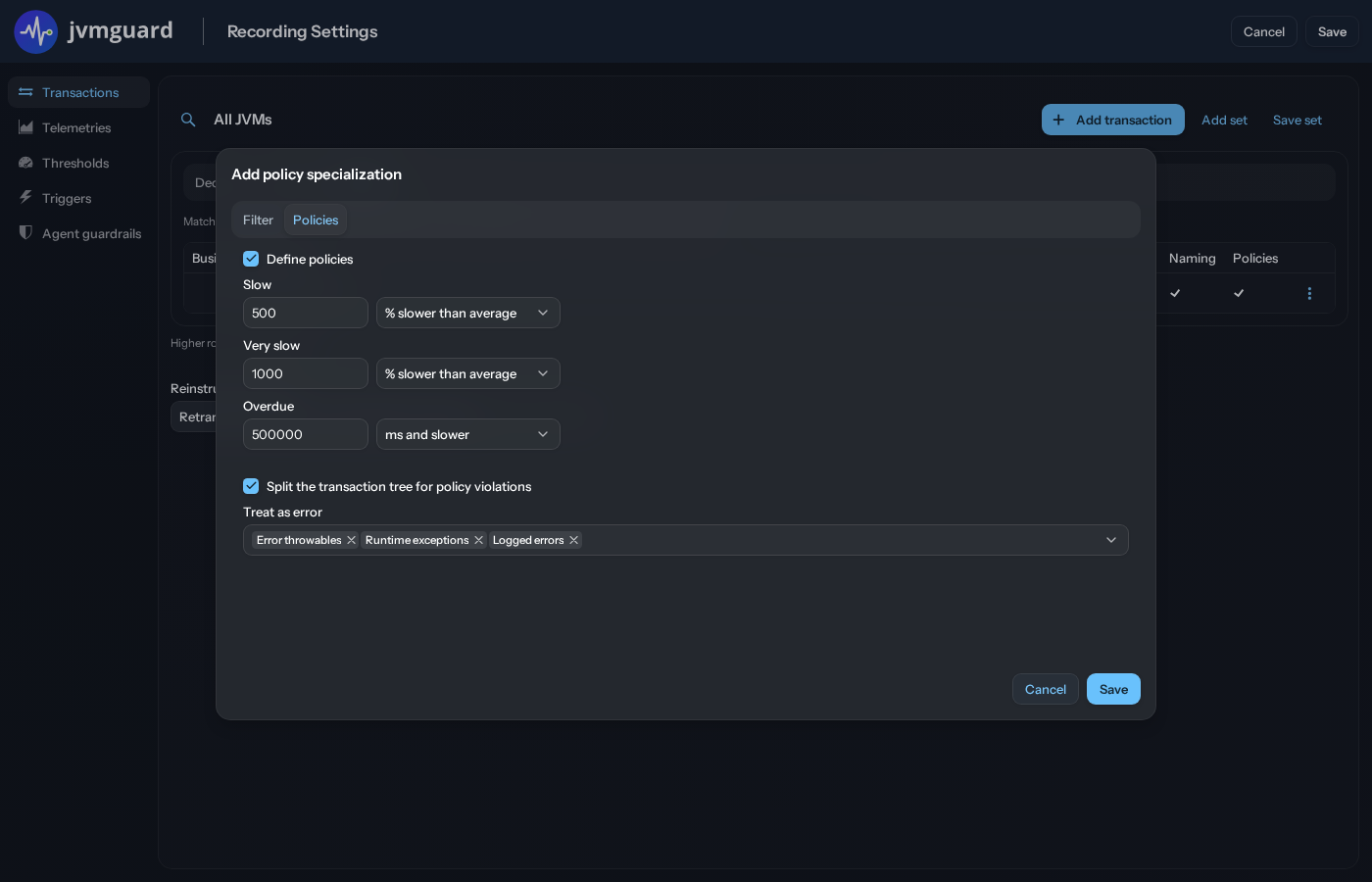
Unlike the parent transaction definition, which filters classes in this case, the policy specialization filters on the result of the transaction naming.
Policies in the call tree
Section titled “Policies in the call tree”The transaction data views have three tabs: Call tree, Hot spots and Overdue. In the call tree and hot spots, each transaction shows its policy state with a color and a prefix, so you can see at a glance which transactions are slow, very slow or erroneous. The Overdue tab shows only the transactions that have exceeded the overdue threshold of their policy, which are the transactions that are hanging or deadlocked.
To focus on a particular policy state, open the transaction-state filter in the filter bar (the funnel icon) and choose “Slow”, “Very slow” or “Error”. The tree is then reduced to the matching transactions together with their ancestor nodes, so the context is preserved. When you also enter a filter text, only the matching transactions are searched for that text.